A structured path from triage to governed export.
Six steps. One working path. Fewer late-cycle surprises.
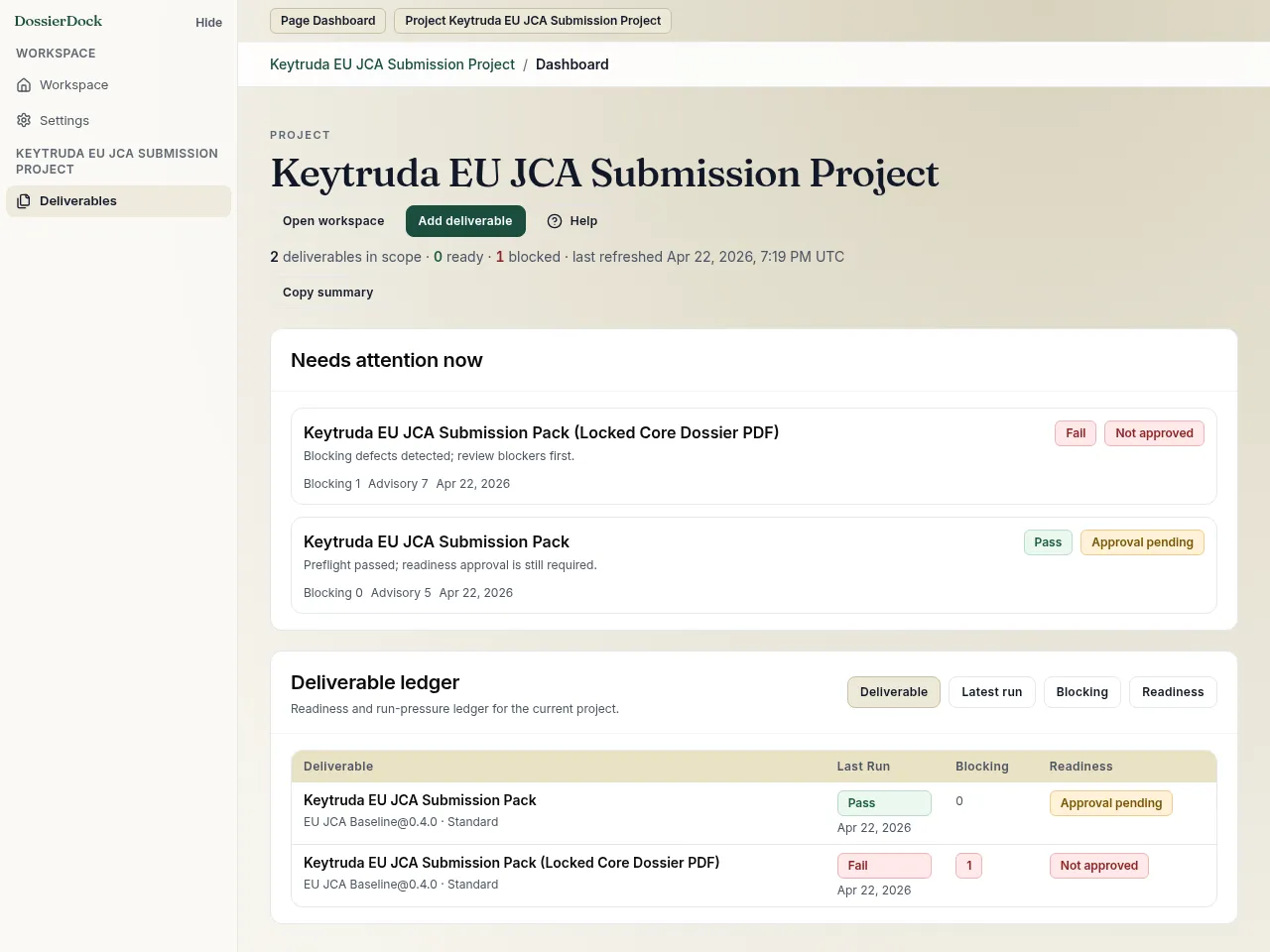
Triage the queue
Start in the workspace or project dashboard to see which deliverable needs work next, what last ran, and whether approval or export state is stale.
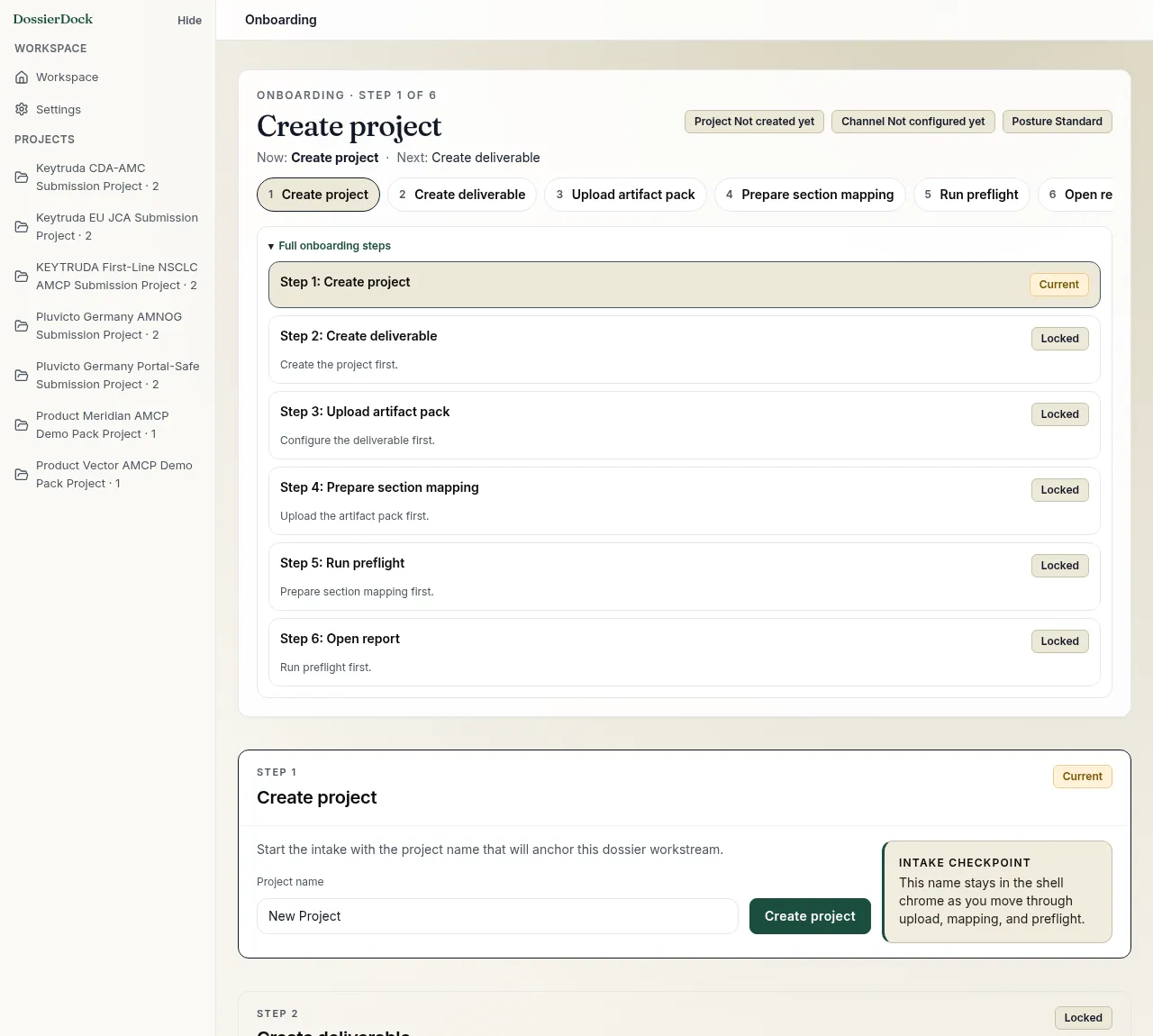
Create the project and deliverable
Use guided onboarding to create the project, move into deliverable setup, and keep the remaining steps visible from the start. Template, channel checks, and review threshold choices stay inside one controlled sequence instead of getting scattered across setup screens.
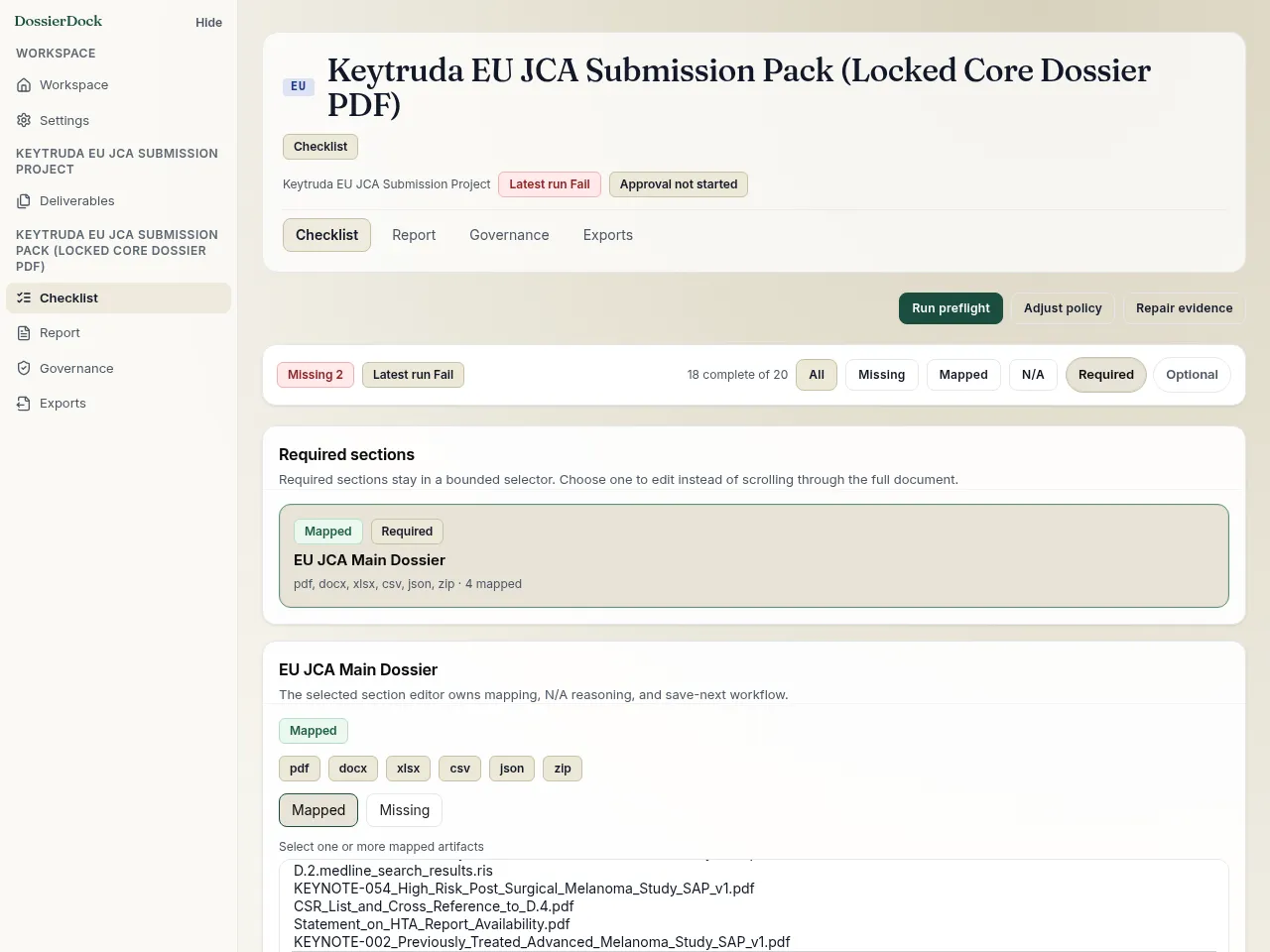
Map in the checklist
Upload PDFs, DOCX, XLSX, CSV, or RIS/BibTeX, map them to template sections, and record N/A justification where needed. Progress and save state stay visible at the section level.
Run preflight and review the report
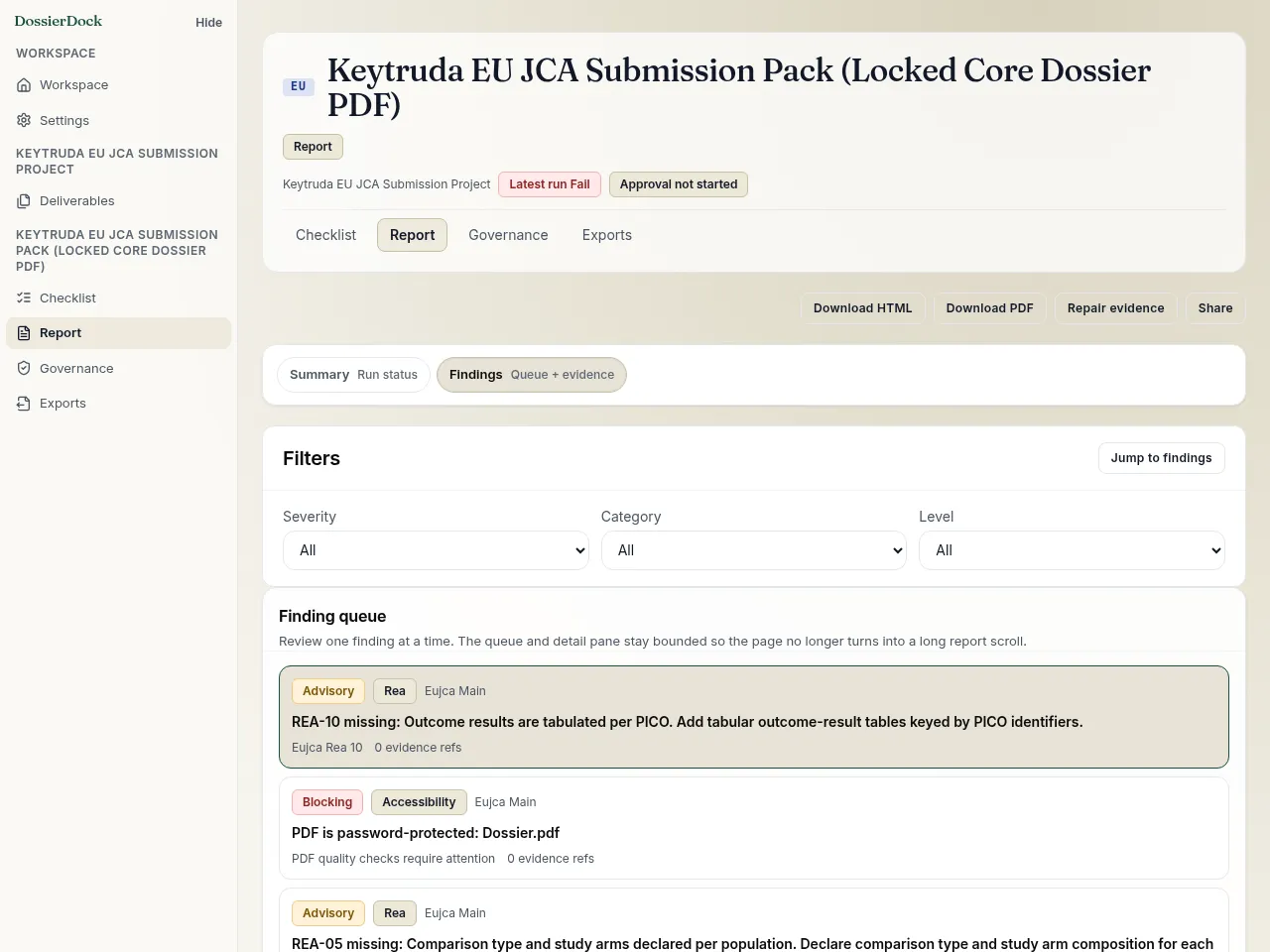
One click. DossierDock evaluates the pack against the active lane checks, then produces a report with must-fix issues, lower-priority notes, named checks, and fix guidance.
Resolve and approve in governance
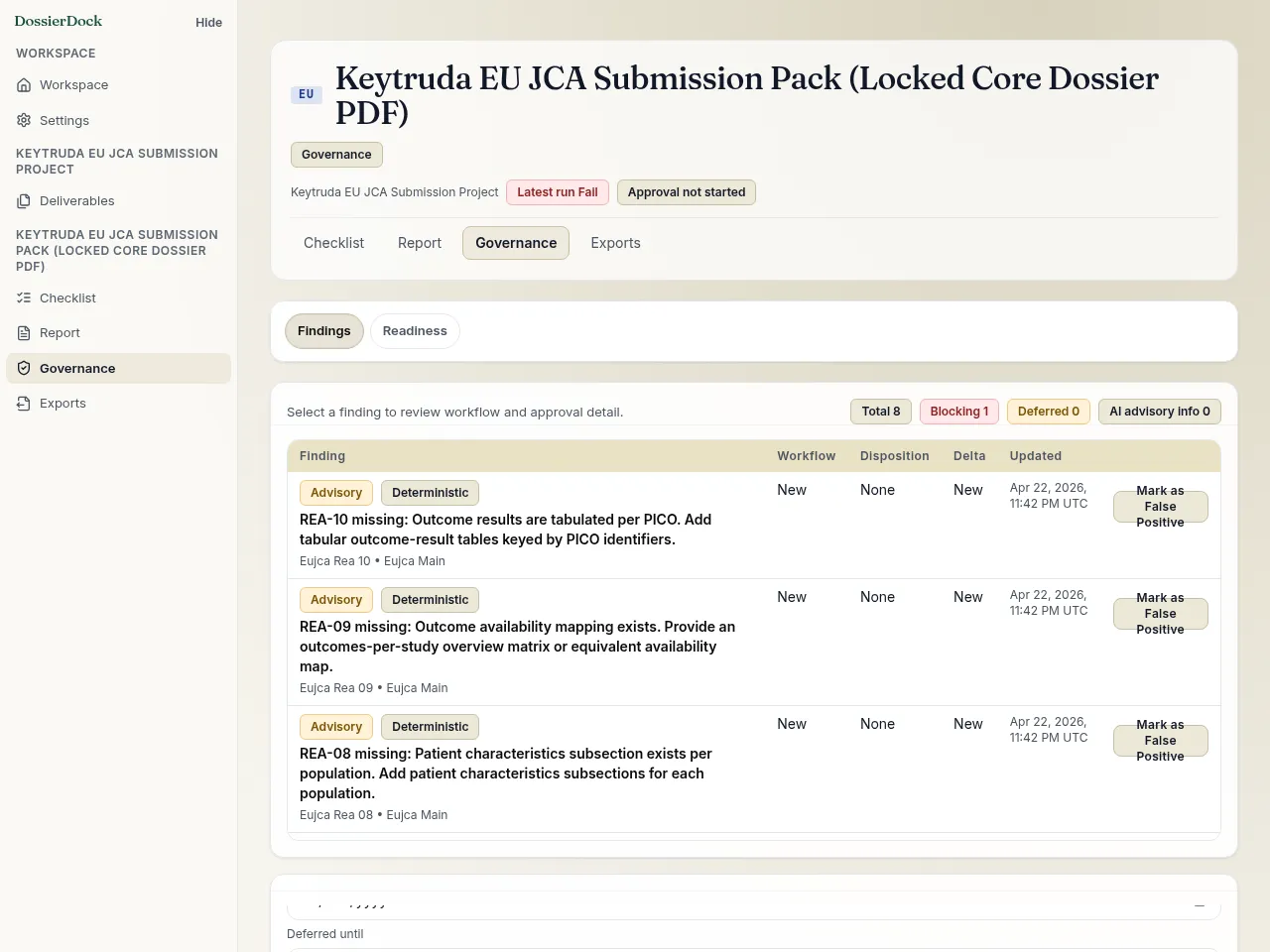
Assign work, review unified findings, and approve readiness. If mappings or artifacts change after approval, the approval is invalidated automatically so stale sign-off does not survive.
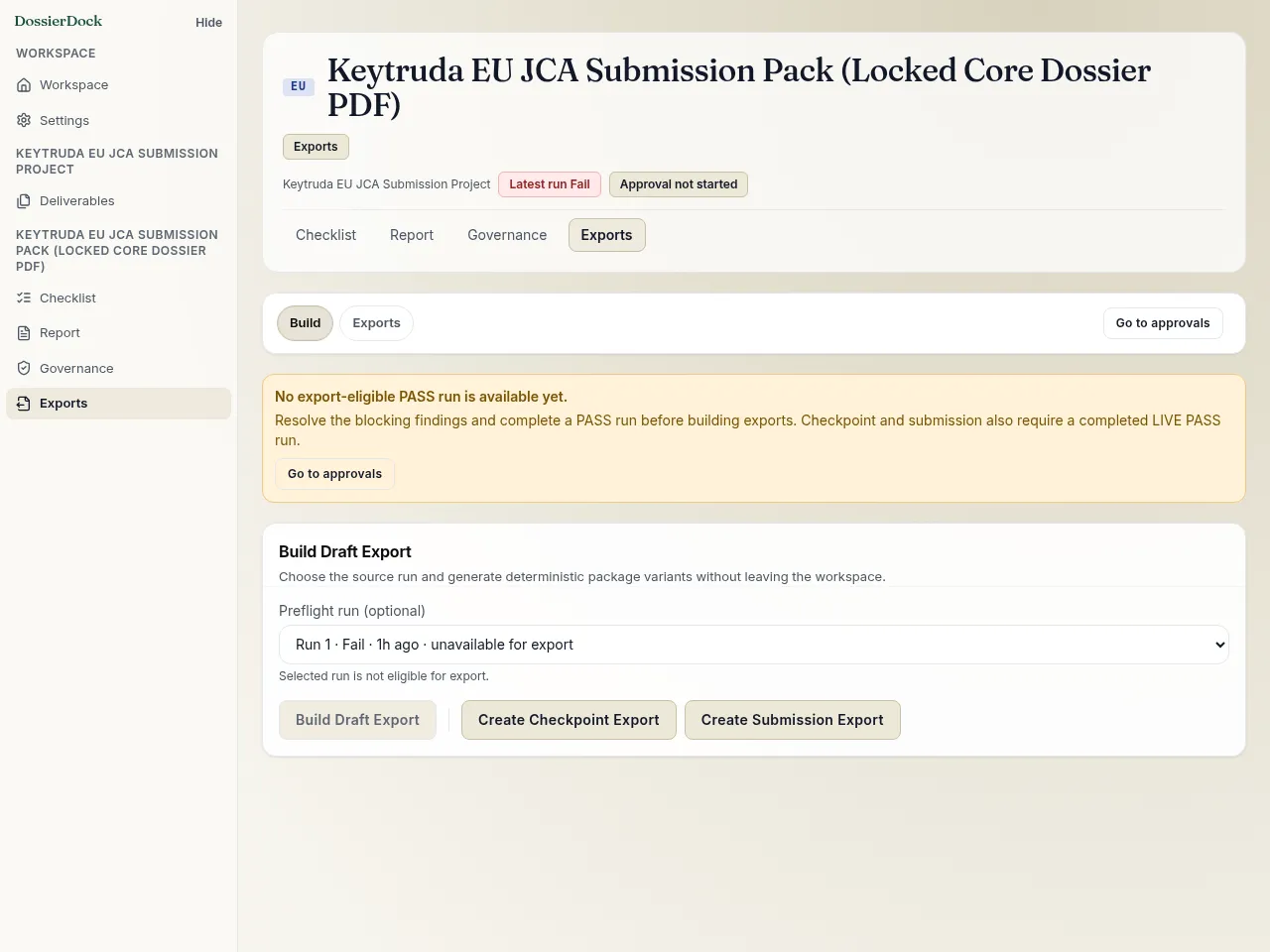
Build a frozen-review or submission export
When the deliverable is ready, build a governed export. Draft, review-snapshot, and submission flows stay tied to approval state, package records, file fingerprints, export history, and direct traceability downloads.